Most designers today are overwhelmed by AI and honestly, I don’t blame you.
The tools are exploding. Every week, there’s another launch that promises to replace your entire workflow. Meanwhile, you’re just trying to figure out:
How does this actually help me design better and faster?
That’s why I created The AI Design Map not to tell you what you should do, but to share what I’ve learned while building with these tools every day. Think of this more like a guide from a friend who’s walked the same messy path and found a few shortcuts worth sharing.
Let’s break it down:
1. The Two Modes of Design
Before AI tools, designers naturally switched between:
🌀 Divergent mode — exploring possibilities
You sketch ideas, generate directions, mood-board, draft variations.
It’s the playground phase.
🎯 Convergent mode — shaping the final version
You refine, polish, tighten details, and move closer to the final product.
AI doesn’t change these modes it just gives us better tools for each one.
Understanding this is the foundation of the new design workflow.
2. The AI Tools That Belong in Each Mode
Instead of comparing everything (“Is Cursor better than Figma Make?”), it’s more helpful to see where each tool shines in the design process.
This is not a definitive list, more like a cheat sheet I wish I had earlier.
🌀 Divergent Tools: for exploring fast
These tools help you generate ideas quickly without worrying too much about polish.
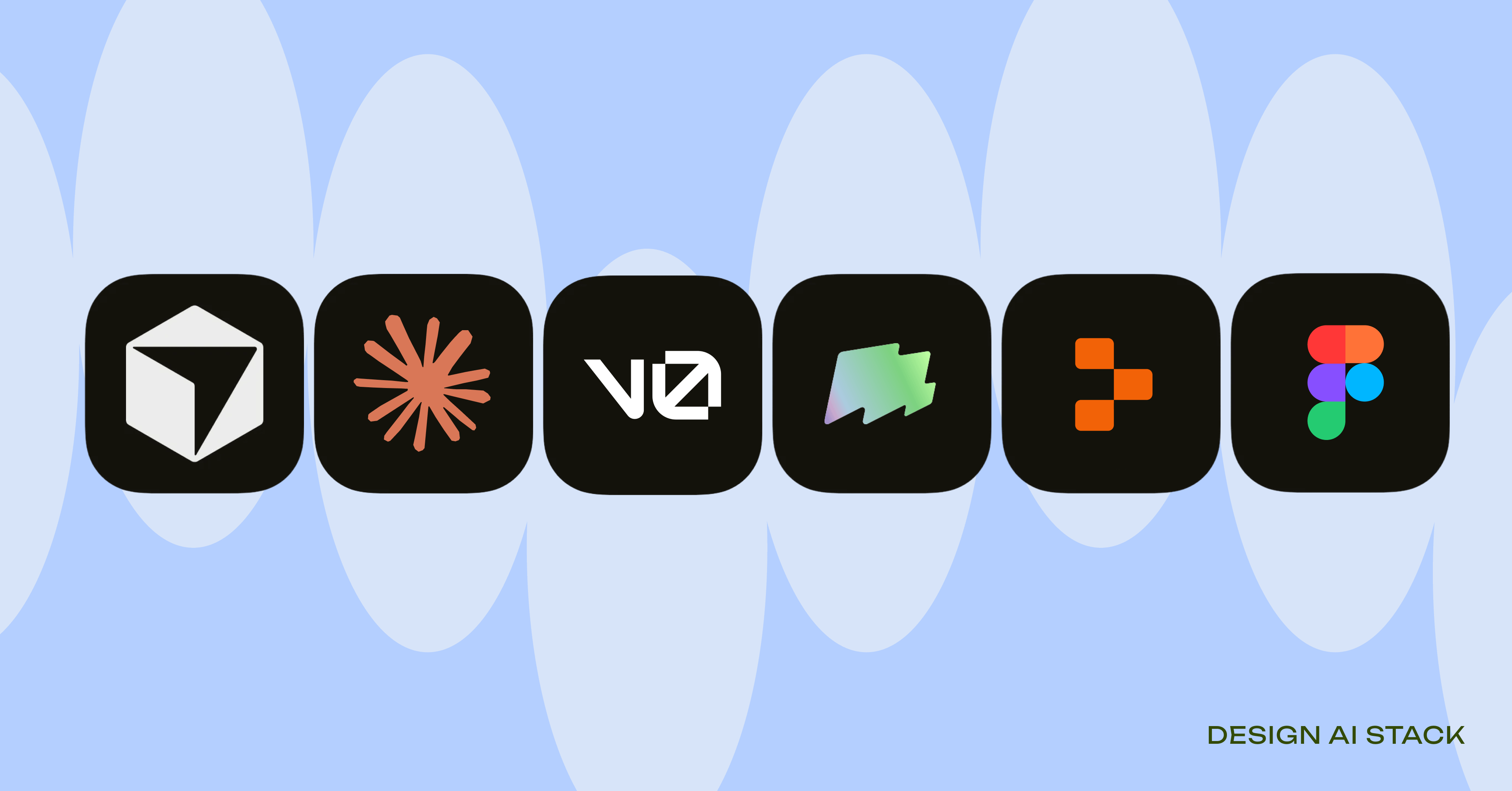
Stitch, v0, Magic Patterns
These tools are for exploding ideas. Explore fast, test ideas, generate options.
Fast exploration
Zero friction
Great for ideation
Perfect for “show me 10 options before lunch”
But they are not designed for long-term flows, BAU refinement, or stakeholder demos.
They’re your brainstorming buddies, not your delivery tools.
Cursor
Surprisingly great even at the early stage when you need pseudo-screens or structure.
Convergent Tools: for shaping the real product
When you’re ready to turn an idea into something polished and production-ready, these shine.
Lovable, Replit & Figma Make
Specifically Make is your “okay let’s get serious” tool.
Once your direction is chosen, Make helps you:
make a flow feel real
test with users
show PMs and founders
build BAU prototypes
visualize the 6–12 month roadmap
align everyone without writing code
Make is not for wild exploration. It’s for precision.
This is where designers move from ideas → reality.
My Top Pick: Cursor → The Only Tool That Does Both
Cursor is the first tool that lets designers:
explore UI with prompts (divergent)
refine UI and flows (convergent)
build real product code (production)
Cursor becomes a designer’s superpower because it changes how you design. Instead of drawing rectangles and gradients, you start shaping UI with language.
Sometimes I go Stitch → Cursor.
Stitch helps me quickly visualise what a new app’s UX flow could look like.
Then I move it into Cursor for refinement, exploration, and building.
Sometimes I go Lovable → Cursor too. (Converge → Converge)
I keep hitting a ceiling on Lovable when it comes to more precise edits.
That’s where I move it into Cursor and continue refining and building.
3. Why the Confusion Happens
Most of the frustration comes from mixing these two modes.
Using a convergent tool too early (e.g., polishing before exploring).
Using a divergent tool too late (e.g., generating random ideas when dev is waiting for final UI).
The fix? Match your tool to the mode you’re in.
It sounds simple, but it completely changed how I design.
4. How I Personally Use AI Across the Workflow
Here’s my actual workflow not theory, just what’s been working.
Step 1: Explore with Make + Gemini/ChatGPT
Rough flows, ideas, UI directions.
Step 2: Switch to Figma for structure
Use the team’s design system, constraints, components.
Step 3: Move to Cursor when ready to build
This is where the product comes alive.
Step 4: Iterate between Figma ↔ Cursor
This loop has become the real magic.
Step 5: Ship early prototypes
Because now you can.
It’s not linear but it’s fast, flexible, and future-proof.
5. Tips for Designers Navigating the AI Era
Here are the things I wish I knew earlier:
Don’t fight the tools
AI won’t replace your skills, it amplifies them.
Use divergent tools to unblock yourself
When stuck, Generate → Pick → Refine.
It’s wildly efficient.
Your design system matters more than ever
AI becomes powerful only when it knows your components.
Learn how to write better prompts
Prompting is the new UI skill.
Think of it like you’re giving instructions to a junior designer.
Don’t compare tools.. combine them
The winners are the designers who know how to orchestrate tools, not pick sides.
Give yourself permission to explore
You don’t need to be perfect on day one.
Just try, learn, refine.
6. The Big Picture: Designers Are Not Being Replaced
We’re evolving. It’s redefining what designers can do.
More strategy.
More creativity.
More product thinking.
Less grunt work.
Designers who embrace this shift will have more impact than ever.
7. You Don’t Need to Master Everything
This map is not a prescription.
It’s a starting point.
Take what helps.
Ignore what doesn’t.
Adapt it to your style and your team.
And remember:
The best designers in 2025 won’t be the ones who know every tool,
they’ll be the ones who know how to think, explore, and ship with AI.
If you want deeper breakdowns, tutorials, and real workflows, I share them weekly on here.
Always happy to help designers navigate this wild new world together.


This is great, have to echo what Neural Foundry said about the 'divergent vs convergent' comment, which is so so true. It is also something we as designers can easily get behind - double diamond anyone?
I look forward to more great insight!
Love it!