



For years, competitor analysis has been the most expensive cheap work in design.
Open Mobbin. Search the flow. Scroll. Screenshot. Drop into Figma. Reorder. Annotate. Repeat for the next competitor.
Hours. Every time. Last week that stopped.
What I tried
Mobbin shipped an official MCP in beta. Included with all paid plans during beta. Feature access and availability may change in future updates.
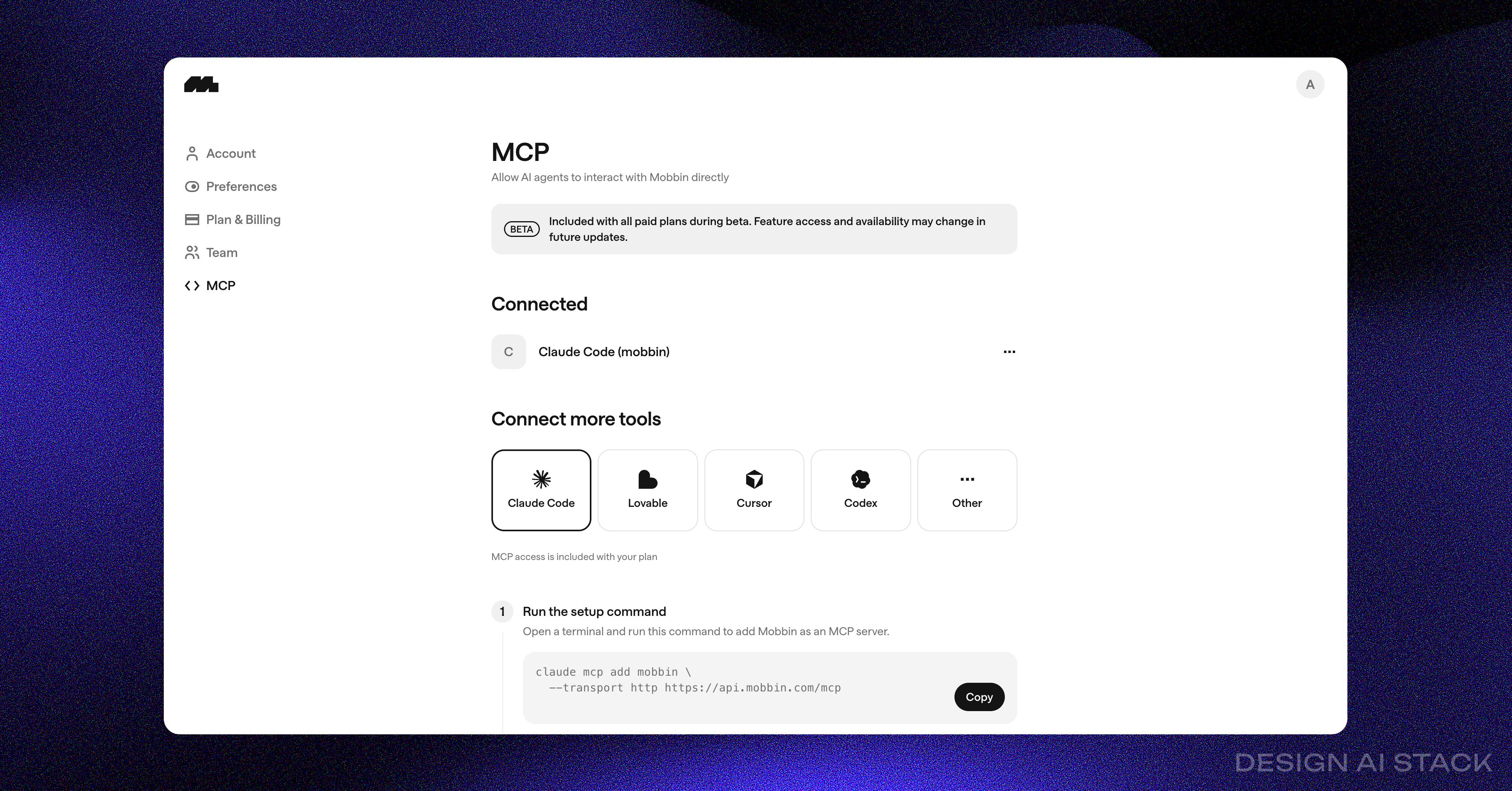
I hooked it up alongside the Console MCP and pointed Claude Code at both.
Then I prompted:
“Find Google Pay onboarding flow and analyse them in Figma [paste your figma url]”
That’s it. One line.
What actually happened
Claude went to Mobbin. Pulled the screens. Started laying them out in Figma.
Then I noticed something off.
The first screen was Google Pay India. The second was Google Pay US. The third was Google Pay India again. The “onboarding flow” Claude assembled was a Frankenstein three regions stitched together.
Before I could even type a correction, Claude flagged it itself.
“The screens I pulled span multiple regions (US, India). This breaks the flow continuity. Re-pulling — defaulting to US only.”
It re-queried Mobbin. Filtered to one region. Re-laid the screens in Figma in the correct order.
I didn’t touch a thing.
Why this matters
The unlock isn’t that AI can fetch screens. Anyone can fetch screens.
The unlock is that the stitching is gone.
In the old loop, I was the integration layer between Mobbin and Figma. Every screen passed through my hands. Every annotation, every reorder, every “wait, this is the wrong country” check, that was me.
Now the stack does it:
Mobbin MCP: the competitor screen library, queryable by intent.
Figma Console MCP: Claude can open, place, and arrange frames in your Figma file.
Claude CLI: the brain that connects the two and self-corrects when the data is messy.
Three pieces. One prompt. A workflow that used to take an afternoon now takes the length of a coffee.
Where this gets really good
The one-prompt version is the entry point. The real leverage is wrapping it as a Claude skill so you don’t have to remember the prompt every time.
I built one and called it /mobbin. You type the slash command, name the competitor and flow, and the skill handles everything, fetches from Mobbin, self-corrects region mismatches, places frames in Figma in flow order, then runs a structured analysis pass against the screens.
The analysis pass is the part most people miss. Fetching is table stakes now. Auto-analysing, checking entry points, friction moments, KYC placement, empty states, error handling — is where the time actually compounds.
Chef’s kiss when it runs clean.
Want the /mobbin Claude skill?
Below are the exact prompts I use for region filtering and flow assembly, the structured analysis pass Claude runs against the screens, and the Figma layout config so the frames land in the right order every time.
This playbook is constantly being updated as Mobbin’s MCP evolve out of beta.


