



Figma Make is great at generating components but terrible at reusing them across projects.
So I flipped the workflow.
Build everything once in Make, push to GitHub, then pull it into every new project with a single prompt.
It works beautifully.
The Actual Workflow (The One You Came Here For)
Step 1: Open new Make file
Prompt:

Create a UI Component Library with reusable components for Make prototypes.

Start with a base layout and we can add 1 component after.
Design your components.
Test them.
Swipe them.
Break them.
Fix them.
Reach that moment when they finally feel “keeper” quality.
Step 2: Push them to GitHub
Here’s an example of a ToDo card component that I’d like to reuse.
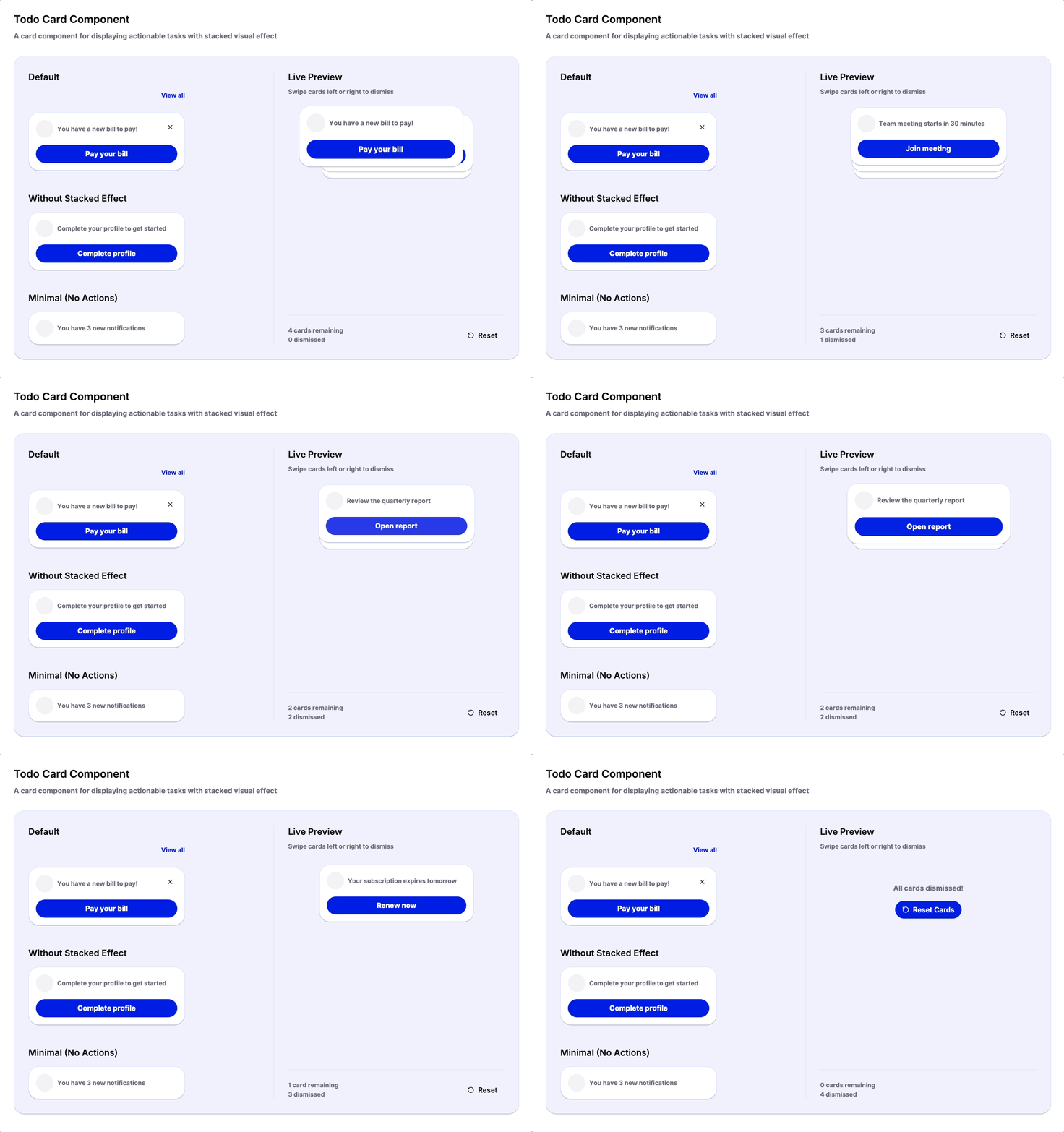
Yeah. Literally export the component code, drop it into a GitHub repo, and commit. Let’s ensure its fully portable using your own design system CSS variables.
Prompt:

Before pushing to Github, ensure it is reusable and cleaned up for other projects to use
Your folder structure can look like this:
/components
  /cards
    ToDoCard.tsx <-- this is what we will commit to Github
Now you have a real design system.
Version controlled.
Portable.
Future proof.
Step 3: Pull components from GitHub in any new Make file
Go ahead and create a new Make file or go to your existing project.
This is the magic line:
