


The most useful design review I ran at Botim in these past months, I did not run. An agent did.
We were shipping a money transfer flow. The confirmation screen showed the amount one way and the entry screen showed it another, just different formatting, the kind of thing you stop seeing after the fortieth look. Research had already told us users lose confidence when the number looks different at confirmation. The agent caught it in one pass, tied it to that research, and flagged the “Send now” button against our own rule for irreversible actions. It suggested “Send AED 250. This cannot be undone.”
That is the production version: five agents, the real superdesigner. This piece is the stripped-down one you run yourself in Claude Code.
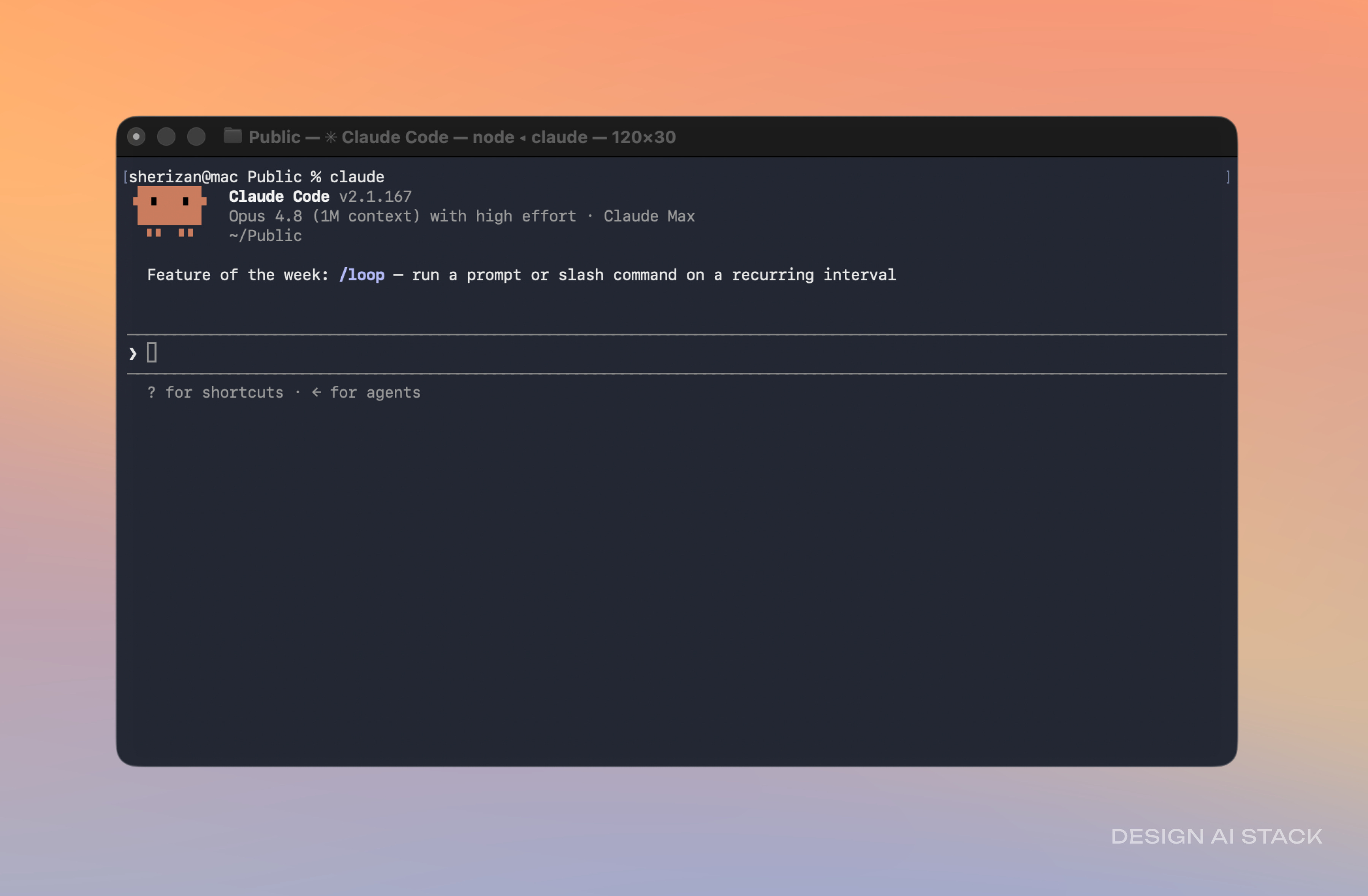
Here is the part nobody tells you. I lead design for a product with 150 million users, and the first week I tried Claude Code I opened the terminal, looked at it, and closed it. The capability was right there. The setup was the wall.
Nobody hands a designer the other side of that wall. So here it is, the whole thing: the setup I run, every MCP, the Skills that hold my taste, and the four workflows on top. This is design knowledge work, research synthesis, competitor analysis, design systems, specs, and prototypes you think with. Not for shipping to production, and you do not need to code. You point it at the thinking, not the deploy button.
I also build apps that four people use. The day job and the side project taught me the same thing.. the tool stopped being the bottleneck a while ago, the setup is it. Once Claude Code knows your taste and your stack, it stops improvising and starts building the thing you would have built yourself.
What is in here
The foundation, six pieces, in order:
The CLI, configured so the terminal stops being the scary part.
A CLAUDE.md that holds your taste, so it builds like you, not a generic template.
A DESIGN.md it reads as law, so “good” means your standard.
Permissions, so it moves fast without doing something you did not ask for.
The MCPs that wire it to Figma, live docs, and a real browser to check its own work.
The Skills that turn the moves you repeat into something it runs on its own.
Then the four workflows on top, none of which need a line of production code:
Keep your design system honest. Audit it against your own rules, catch the drift, sync tokens.
A prototype you think with. A written flow becomes something clickable that the agent opens, checks, and corrects itself.
Research synthesis. Raw notes in, the themes and contradictions out, every claim cited.
Pressure-test a spec. The states and edge cases a PRD misses, found before a single screen exists.
Honest caveat: this is a setup you maintain. It will confidently build the wrong thing if your CLAUDE.md is vague, so the rules carry the weight. It does not replace your judgment. It clears the distance between your judgment and the screen.
The whole thing is below for paid members: the setup, every MCP, the Skills, and the four workflows with the exact prompt I run. It is the same pattern behind superdesigner.ai, the reviewer design teams at OKX and Grab use, stripped to what you need for your own work.
